
A website redesign is one of the most exciting milestones for any growing business and one of the most dangerous moments for your search engine rankings. Without a clear website redesign SEO timeline, even a beautifully executed new site can send your organic traffic into freefall within days of going live.
The hard truth? Most ranking drops after a redesign are completely preventable. They happen because SEO is treated as an afterthought rather than a project-wide discipline. URLs change without redirects. Page titles vanish. Internal link structures collapse. Google re-crawls a site that looks brand-new and doesn’t recognise what it once ranked for.
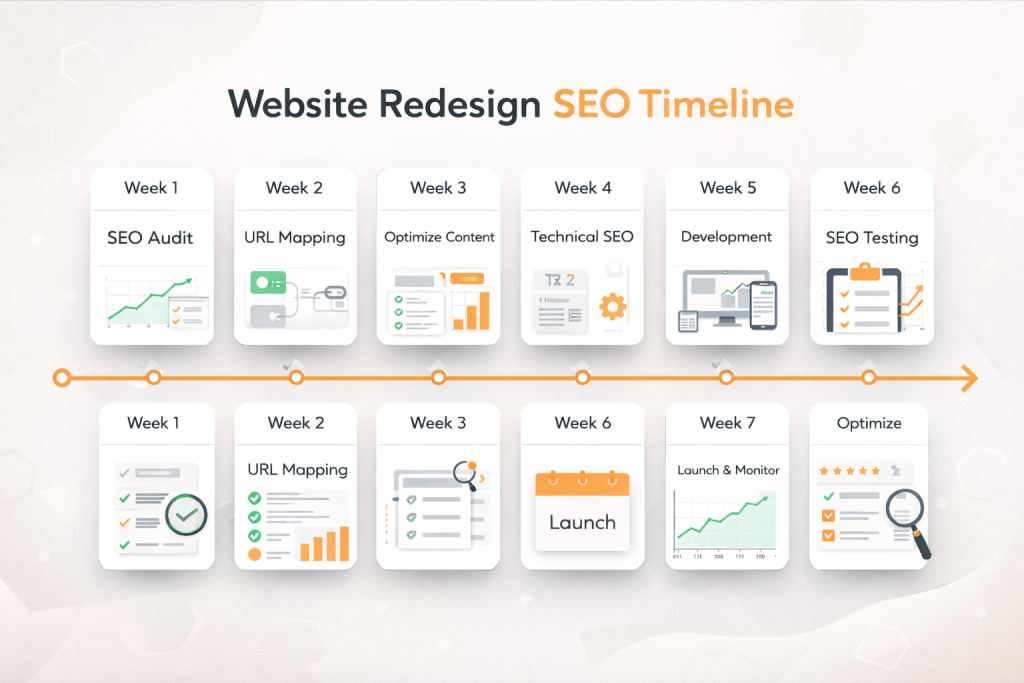
This guide gives you a practical, week-by-week website redesign SEO timeline from the moment you decide to redesign all the way through to post-launch monitoring. Whether you are managing a WordPress site in-house or working with a development agency, following this framework will help you redesign with confidence and protect the organic visibility you have worked hard to earn.
Why Your Website Redesign Needs an SEO-First Strategy
Many business owners assume that a faster, more attractive website will automatically rank better. Speed and design do matter but only if Google can map your new site back to the one it already trusts.
Search engines build trust in a domain over time. They index specific URLs, track engagement signals, and assign authority to individual pages. When a redesign changes those URLs, restructures content, or removes key pages without a plan, Google treats the new site almost like a stranger.
The consequences are measurable and often severe:
- Traffic drops of 20–60% are common in unplanned redesigns
- Recovery can take 3 to 9 months, sometimes longer
- Lost rankings on high-intent keywords directly translate to lost revenue
- Competitors whose rankings you had overtaken quickly reclaim those positions
An SEO-safe redesign is not about limiting creativity. It is about combining great design with disciplined technical execution, a principle at the heart of every project delivered by Coresol Studio’s website redesign services.
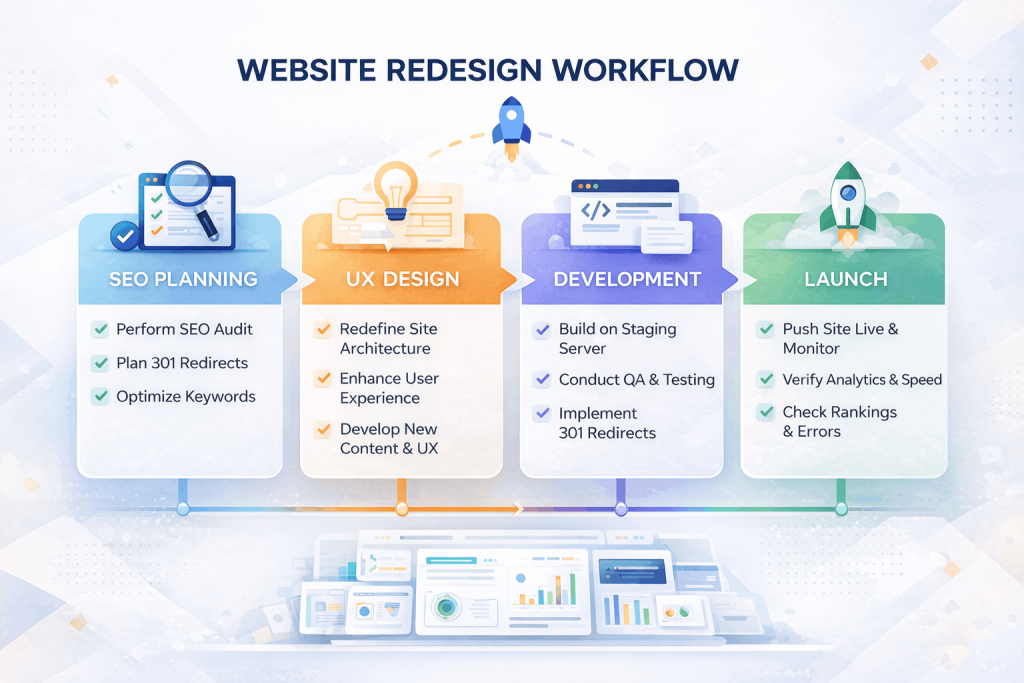
The Complete Week-by-Week Website Redesign SEO Timeline
Phase 1: Pre-Redesign Discovery (Weeks 1–2)
Before a single wireframe is sketched, your SEO groundwork must be laid. This phase is the most underestimated and the most important.
Week 1: Crawl and Audit Your Existing Site
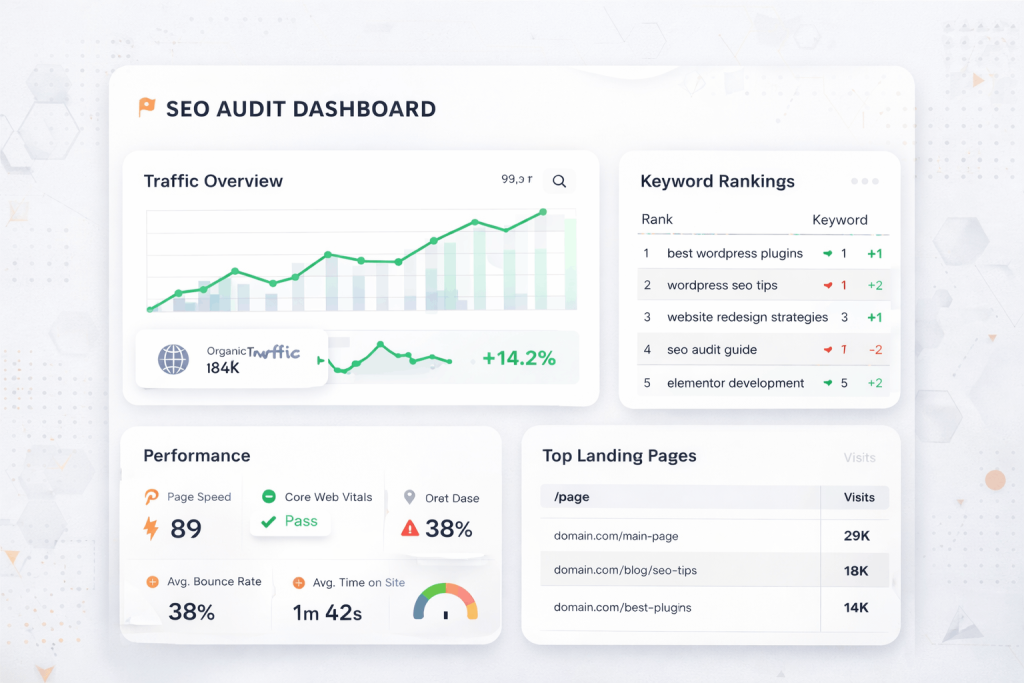
Start by creating a complete record of your current site as Google sees it today. You cannot protect what you have not measured.
Run a full technical crawl using tools like Screaming Frog, Sitebulb, or Ahrefs Site Audit. Export every URL, page title, meta description, H1 tag, canonical URL, internal links, and status code.
Record the following data for every page:
- Full URL
- HTTP status code (200, 301, 404, etc.)
- Page title and meta description
- H1 tag
- Word count
- Number of inbound internal links
- Indexed status (confirmed via Google Search Console)
Pull your Google Search Console data and identify:
- Your top 50 landing pages by organic impressions
- Pages ranking in positions 1–20 for any keyword
- Pages that generate the most clicks from organic search
- Any existing crawl errors or manual actions
Pull your Google Analytics data (or GA4) and flag:
- Your highest organic traffic pages (last 12 months)
- Pages with the lowest bounce rate from organic traffic
- Any pages currently driving conversions or leads
This audit becomes your SEO asset inventory, the reference document that guides every structural decision in the redesign.
Week 2: Keyword Mapping and Content Hierarchy Planning
Once you know what you have, map it to what you want to keep.
Create a keyword-to-URL map. For every important page, document the primary and secondary keywords it currently ranks for. This tells your design and content team which pages cannot be deleted, merged, or restructured carelessly.
Identify consolidation opportunities. Sometimes a redesign is a chance to merge thin content pages into stronger, more comprehensive ones but this must be done with proper redirects and consolidated link equity.
Plan your new URL structure. If the redesign involves changing your site architecture (e.g. moving from /services/web-design to /web-design), document every old URL alongside its planned new equivalent. This mapping document is the backbone of your redirect strategy.
Discuss SEO constraints with your development team. If you are working with a WordPress agency like Coresol Studio, share your keyword map and URL mapping document before the design phase begins. Custom WordPress development teams need this context to make architecture decisions that preserve your ranking signals.
Phase 2: Design and Development (Weeks 3–6)
With your SEO audit complete, the design and development work can begin with guardrails in place.
Week 3: Design Phase — SEO Considerations in UX
Great design and SEO are not in conflict. During the design phase, watch for these common SEO risks:
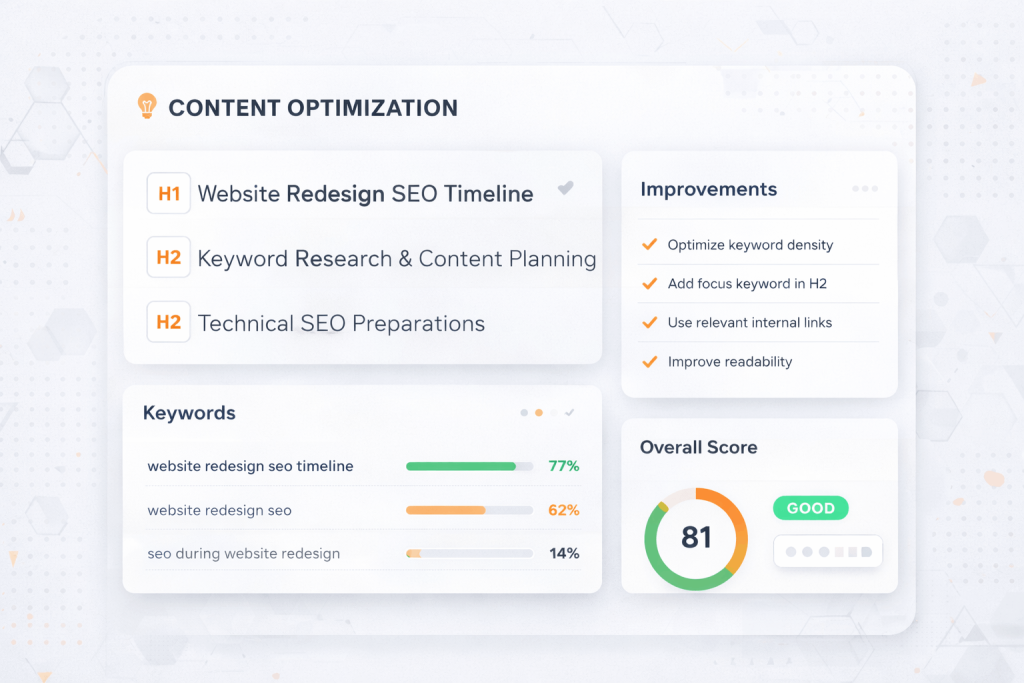
Heading hierarchy. Every page design should include a single, clear H1 tag. Designers sometimes style decorative text to look like headings, which confuses both users and search crawlers. Define heading levels in your design system.
Navigation and internal linking. Your main navigation is one of the most powerful internal linking structures on your site. Removing pages from the main nav reduces their crawl priority. If a high-value SEO page is being restructured or renamed, make sure it still has prominent internal links pointing to it.
Page speed in design choices. Heavy background videos, large uncompressed hero images, third-party font libraries, and animation-heavy sliders all hurt Core Web Vitals. Website performance optimisation should be a design consideration, not a development afterthought. Make performance part of the design brief.
Mobile-first layout. Google indexes the mobile version of your site first. Every page layout must be designed mobile-first, with readable font sizes, tappable buttons, and no intrusive interstitials.
Week 4: Development Phase — Building SEO Into the Architecture
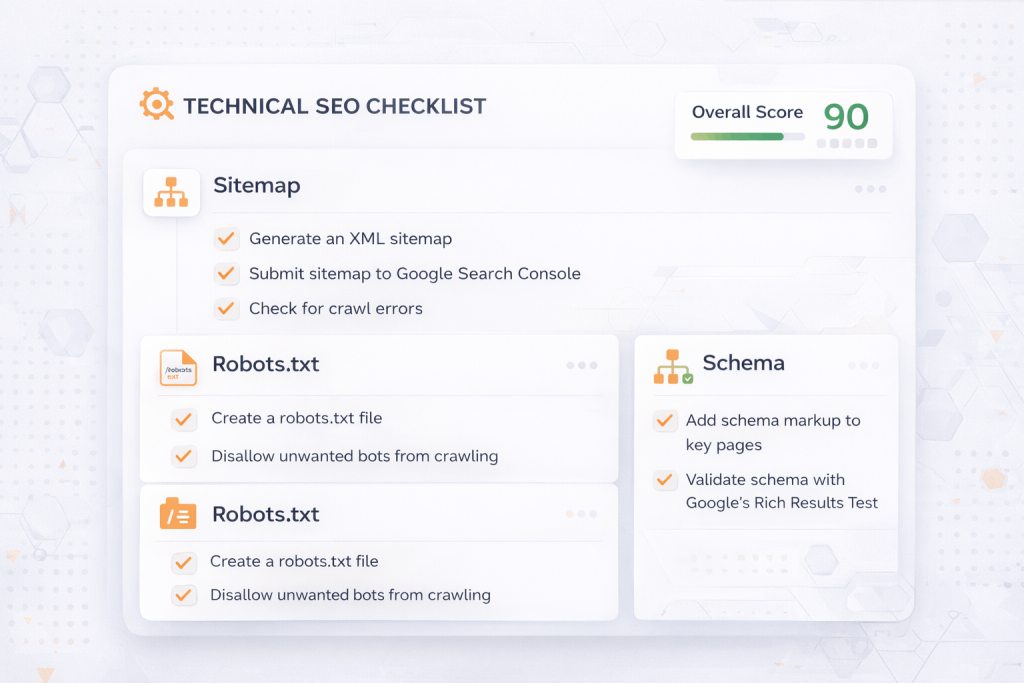
This is where technical SEO gets implemented. Whether your team is building with custom WordPress themes or using Elementor development services, the following elements must be configured correctly before launch:
Title tags and meta descriptions. Set up your SEO plugin (Yoast, RankMath, or equivalent) and assign unique, keyword-optimised title tags and meta descriptions to every page. Do not leave these as auto-generated defaults.
Canonical tags. If your site has paginated content, tag variations, or duplicate URL parameters, set canonical tags to consolidate crawl equity.
XML sitemap. Configure your sitemap to include only indexable pages. Exclude admin pages, thank-you pages, and paginated archives that add no SEO value.
Robots.txt. Review your robots.txt file carefully. A single misplaced disallow directive can block Google from crawling your entire site. This is a common and catastrophic mistake on staging environments that accidentally go live.
Schema markup. Implement structured data relevant to your business: Organisation schema, LocalBusiness schema, BreadcrumbList, and Article schema where appropriate. This supports both traditional SEO and AI answer engines (AEO).
301 redirect implementation. Build your full redirect map in this phase. Every old URL that is changing must have a 301 redirect pointing to its new equivalent (or the nearest most relevant page). This is non-negotiable.
Week 5: Content Migration
Never copy-paste content from an old site to a new one without SEO review.
Audit every piece of content before it moves. Ask: Is this page ranking for anything? Does it have inbound backlinks? Is it a top organic landing page? If yes to any of these, treat it as a high-priority asset.
Preserve on-page optimisation signals:
- Keep primary keywords in H1 tags
- Maintain keyword-optimised title tags from the old site (or improve them)
- Preserve meta descriptions unless they are being deliberately improved
- Keep word count equal to or higher than the original page
- Carry over internal links to other important pages
Do not delete content without a redirect. If a page is being removed entirely and has no suitable redirect destination, create a consolidation page and redirect to it. Sending traffic and link equity to a 404 is one of the most damaging things a redesign can do.
Week 6: Staging Environment QA
Before anything goes live, your staging site needs a comprehensive SEO quality assurance review.
Checklist for staging QA:
- Staging site is blocked from indexing (noindex/robots.txt on staging only)
- All 301 redirects are working correctly — test every one
- No broken internal links (404 errors)
- All pages have unique title tags and meta descriptions
- H1 tags are present on every page
- XML sitemap is accurate and accessible
- robots.txt is correct (not blocking anything it should not)
- Page speed scores acceptable in Google PageSpeed Insights
- Schema markup validated in Google’s Rich Results Test
- Mobile usability confirmed in Google Search Console (or emulator)
- Analytics tracking code (GA4) is correctly installed and firing
- Search Console property is connected and ready for post-launch monitoring
Do not rush through this checklist. One missed redirect on a high-traffic URL can cost months of recovery time.
Phase 3: Launch (Week 7)
Launch day is a controlled event, not a celebration. Treat it like a production deployment.
Week 7: Launch Day Protocol
Choose your launch time wisely. Launch on a Tuesday, Wednesday, or Thursday morning — never on a Friday or over a weekend. You want your team available to address issues immediately after go-live.
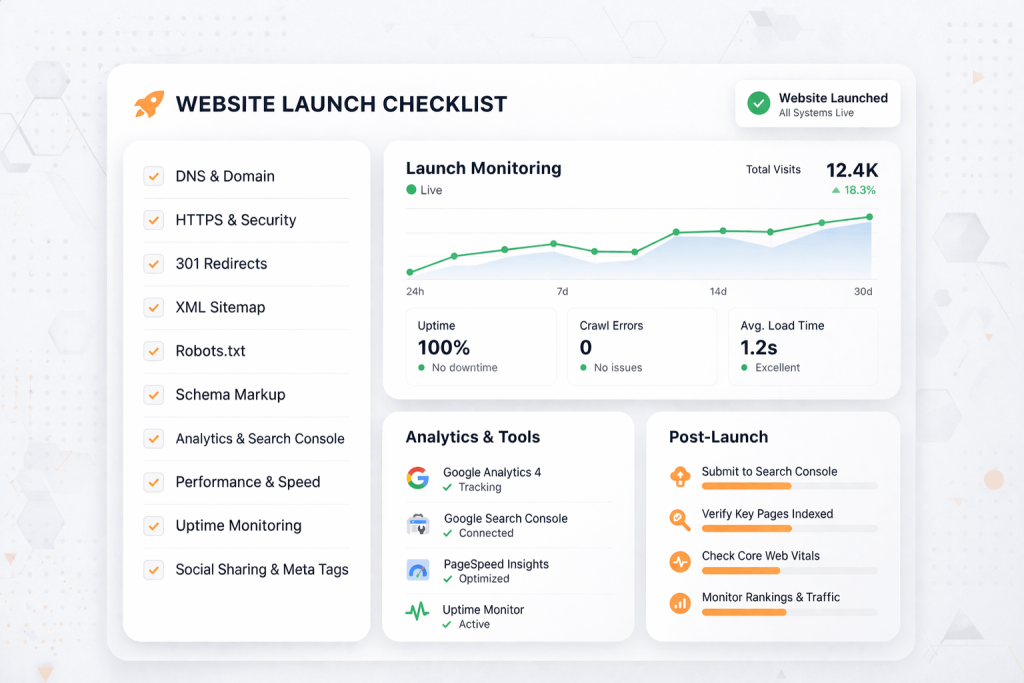
Launch day checklist:
- Disable noindex tags on the live site (confirm staging tags are gone)
- Update the XML sitemap URL in Google Search Console
- Submit the sitemap to Google Search Console for immediate crawling
- Verify redirects are firing correctly on the live domain
- Confirm GA4 is tracking sessions on the new site
- Check Search Console for any immediate crawl errors
- Verify canonical tags are pointing to the correct live URLs
- Test the site on mobile and desktop across multiple browsers
- Check Core Web Vitals in Google PageSpeed Insights on the live site
- Notify your team and stakeholders — launch is live
Do not make major content or structural changes immediately after launch. Give Google 48–72 hours to begin crawling and re-indexing. Changing things rapidly in the first few days creates confusing signals.
Phase 4: Post-Launch Monitoring (Weeks 8–12)
The work does not stop at launch. The post-launch phase is where you protect and recover rankings.
Week 8: Immediate Post-Launch Checks
Monitor Google Search Console daily for the first two weeks. Watch for:
- Crawl errors (especially 404s that should have been redirected)
- Pages dropping out of the index unexpectedly
- Manual action notifications
- Mobile usability errors
- Core Web Vitals failures
Check your redirect log. Most redirect management plugins in WordPress log redirect activity. Review which redirects are firing and catch any you may have missed during QA.
Compare keyword rankings. Use your pre-launch baseline data to compare rankings in tools like Ahrefs, SEMrush, or Google Search Console. Some fluctuation is normal and expected in the first two weeks. Dramatic drops on multiple pages warrant immediate investigation.
Weeks 9–10: Traffic and Ranking Stabilisation
By weeks 9–10, Google should have largely re-crawled your new site. This is where you assess:
Organic traffic trend. Compare week-on-week organic sessions in GA4 against the same period from the prior year (to account for seasonal trends).
Index coverage. In Search Console, check that your most important pages are indexed. If key pages are showing as “Discovered – currently not indexed” or “Crawled – currently not indexed,” investigate why. Common causes include thin content, duplicate content signals, or slow crawl budget allocation.
Backlink integrity. Use Ahrefs or SEMrush to confirm that backlinks pointing to old URLs are being correctly redirected to the new equivalents. If a high-authority backlink is pointing to a 404, contact the linking site or ensure the redirect is in place.
Weeks 11–12: Optimisation and Ongoing Improvement
By now, ranking patterns from the redesigned site are beginning to stabilise. Use this phase to optimise proactively:
Identify pages that dropped. For any page that lost rankings post-launch, conduct a targeted audit: Is the content still comprehensive? Are title tags and meta descriptions optimised? Are internal links pointing to this page? Did the URL change and the redirect work?
Improve Core Web Vitals. Use field data from Search Console’s Core Web Vitals report to prioritise pages that need performance improvements. Common fixes include image compression, render-blocking script removal, and font preloading — all areas where Coresol Studio’s performance optimisation services can add immediate value.
Build new internal links. Now that your site architecture is stable, review your internal linking across the site. Add contextual internal links from high-traffic pages to pages you want to grow.
Begin content expansion. A redesign is a natural opportunity to invest in new content. Identify keyword gaps from your research in Phase 1 and begin building content to address them.
Common Website Redesign SEO Mistakes to Avoid
Even experienced teams make these errors. Being aware of them significantly reduces risk.
Mistake 1: Launching without a redirect map.
The single most common cause of post-redesign traffic loss. Every changed URL needs a 301 redirect. Every deleted page needs a redirect to the nearest relevant page.
Mistake 2: Removing content that was ranking.
“Cleaning up” the site by deleting old blog posts or service pages feels productive. But if those pages had rankings and backlinks, deletion destroys accumulated link equity and organic traffic.
Mistake 3: Changing URLs without a reason.
Not every URL needs to change in a redesign. If a URL is ranking and has backlinks, leave it alone unless there is a compelling structural reason to change it.
Mistake 4: Forgetting to remove staging noindex tags.
A site that launches with noindex on every page will disappear from Google within weeks. Always double-check this before and immediately after launch.
Mistake 5: Ignoring page speed.
A redesign that makes the site slower is an SEO step backwards. Google’s Core Web Vitals are ranking signals. If your beautiful new design loads in 6 seconds instead of 2, your rankings will reflect that.
Mistake 6: Not monitoring after launch.
Many teams launch and move on. Post-launch monitoring is where you catch the issues that slipped through and fix them before they compound into serious ranking losses.
How Long Does SEO Recovery Take After a Redesign?
This is the question every business owner asks. The answer depends on how well the SEO timeline was followed.
Best case (SEO-first redesign, full redirect map, no structural surprises):
Rankings stabilise within 2–4 weeks. Minor fluctuations resolve within 6–8 weeks.
Moderate case (some redirects missed, minor content changes, no major errors):
Rankings partially recover within 6–12 weeks with active remediation.
Worst case (no redirects, content deleted, major structural changes, noindex issues):
Full recovery can take 6–12 months, and some rankings may never fully return.
The best investment you can make is not recovery — it is prevention. Following this week-by-week website redesign SEO timeline from the start keeps you in the best-case scenario.
Conclusion: Your Website Redesign SEO Timeline Starts Before the First Wireframe
A successful website redesign protects and grows your organic rankings — it does not sacrifice them. The website redesign SEO timeline in this guide is designed to make that outcome repeatable and predictable, regardless of the size or complexity of your project.
The core principle is simple: treat SEO as a discipline that runs parallel to design and development, not as a task you address after launch. Audit before you build. Map before you redirect. Test before you launch. Monitor after you go live.
The businesses that get this right emerge from a redesign with faster sites, better user experiences, preserved rankings, and a stronger foundation for long-term organic growth.
Ready to Redesign Without Risking Your Rankings?
At Coresol Studio, we handle website redesigns with SEO protection built into every phase of the project. Our team combines custom WordPress development, Elementor expertise, and technical SEO services to deliver redesigns that look great and perform even better in search.
Whether you need a complete website redesign or a targeted SEO migration strategy, we will create a plan that protects what you have built and accelerates what comes next.